

I have a few issues with steam and steam games.
I’ll start with my laptop’s specs:
Acer-Aspire-E5-722G
- Operating system : Kubuntu 26.04
- Kernel: 7.0.0-29 generic
- CPU: AMD A8-7410 APU with 4 cores
- Memory : 6.72GB DDR3 (supposed to be 8)
- Storage: WD HDD with 931.51GB
- Graphics device 1 : AMD Radeon™ R5 M335
- Graphics device 2 : AMD Radeon™ R5 Graphics (iGPU)
Issue 1: I have installed steam and it ran once but now it crashes if i try to open it (I can share the crash logs) and it works fine if I run it in terminal (I just type steam in Konsole and hit enter).
Issue 2: I installed Car Mechanic Simulator 2018 on my laptop and I ran it once and I had to turn the settings way down for decent frames but I got it playable, when I try to open it it doesn’t crash it just take forever (I waited foor 20 minutes and it didn’t open). Here is what I have tried:
-
I switched Poton version form experimental to the latest stable version (9.0-4)
-
I added
to CSM 18 launch options settings in steam
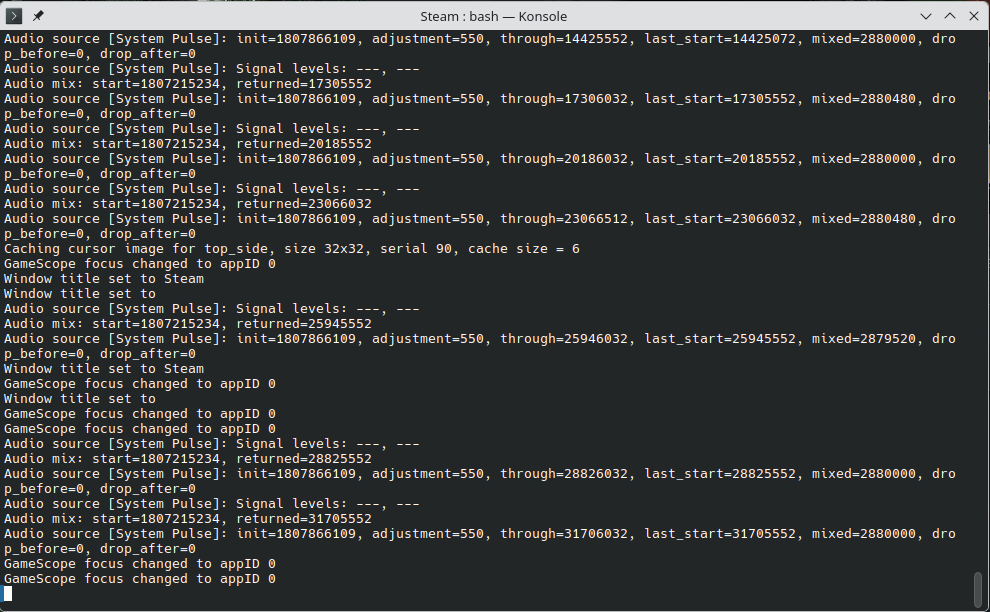
Here is a picture of where it gets stuck
Issue 3 (I don’t know if this one is solvable): I used to have Windows 10 on this laptop and I could play American Truck Simulator on it with low settings, but on Kubuntu it doesn’t launch.
Thanks in advance.
If you need more information just ask and i’ll try to provide it.
UPDATE: All of the issues have been solved (mostly)
Issue 1: I disabled “GPU acceleration” and “smooth scrolling in web views”
Issue 2: I used this fix from ProtonDB: Set launch options to PROTON_USE_WINED3D=1 %command%
Issue 3: I used this fix from ProtonDB: Set launch options to PROTON_USE_WINED3D=1 %command% however my laptop doesn’t have enough RAM and steam was closed by the kernel
Not sure why everyone is recommending you hop distros to fix these issues. Distro choice (at least among the more popular distros) rarely has any affect on gaming performance, it’s usually whatever version of proton you’re using that’s more likely to affect performance when playing a game.
Starting with issue 1:
As someone else said, enabling GPU acceleration is likely to fix this issue. I had the same issue before and pretty sure this fixed it. You may also want to enable “smooth scrolling in web views” as well (it should be right next to the GPU acceleration option).
Issue 2:
Not specific to fixing this issue, but you can change which version of proton all steam games use by default in steam settings, under compatibility. Changing this requires you restart steam.
Issue 3: